

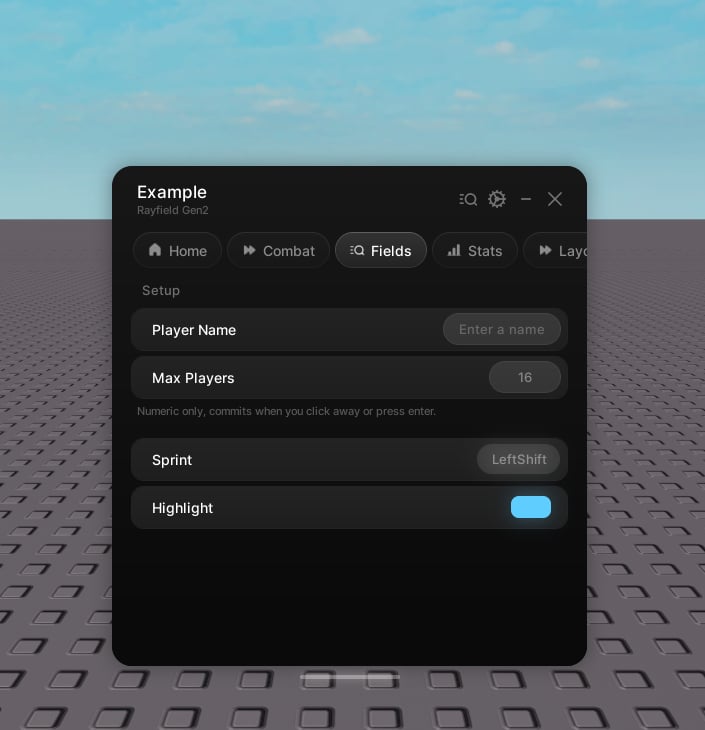
Keybinds are full-width and live at the tab level. Create them directly on the tab, not inside a group.
Properties
string
The label.
string
Hint text under the label. Optional.
string | number
An icon shown beside the label. Optional.
EnumItem | string
The initial bind. A
KeyCode, a mouse button, or its name.boolean
default:"false"
Hold mode. See below.
number
default:"0.2"
Seconds to hold before a press counts, in hold mode.
string
default:"derived from name"
The save key. Optional.
boolean
default:"false"
Skip saving.
function
See below.
function
Runs with the new key when the bind itself changes.
Hold mode
By defaultcallback(key) fires on each press. In hold mode it fires callback(true) once the key is held past the threshold and callback(false) on release, so a quick tap is ignored.
Handle
EnumItem
The current bind.
Set the bind. Pass
true as the second argument to skip onChanged. If the key is the menu toggle key, the bind is refused with a warning and the current one is kept.