

Before you publish
You need a RoScripts account with:- A confirmed email address. RoScripts sends the link when you sign up.
- A linked Discord account that is a member of the RoScripts Discord server. The publish page links both and checks them before it shows the form.
Already on another site?
If your script is on ScriptBlox, RScripts, GitHub or Pastebin, paste its link on roscripts.io/import. The title, game, description, tags and code come across, and you check them on the publish page before it goes live. Your original stays where it is.Publish a script
1
Open the publish page
Sign in to RoScripts and click Publish.
2
Name it and describe it
The title is up to 45 characters and the short description up to 160. Search results show both, so put the game and the main features first.
3
Pick the game
Search for it by name, or paste its Roblox URL. Choose Universal if the script works in any game.
4
Add the source
Paste your script or your loader. A one-line loader is fine:Set UI library to Rayfield if you built it with Rayfield.
Loader
5
Finish the details
Add a 16:9 thumbnail, up to 8 tags, and your Discord invite if you have one. Tick Has a key system if people need a key to use it, so the listing shows a Key badge before anyone copies it.
6
Click Publish
The listing goes live with its own page and a loadstring link of the form
https://script.roscripts.io/<id>.The loadstring link
People copy a link that runs your current version:Copied from your listing
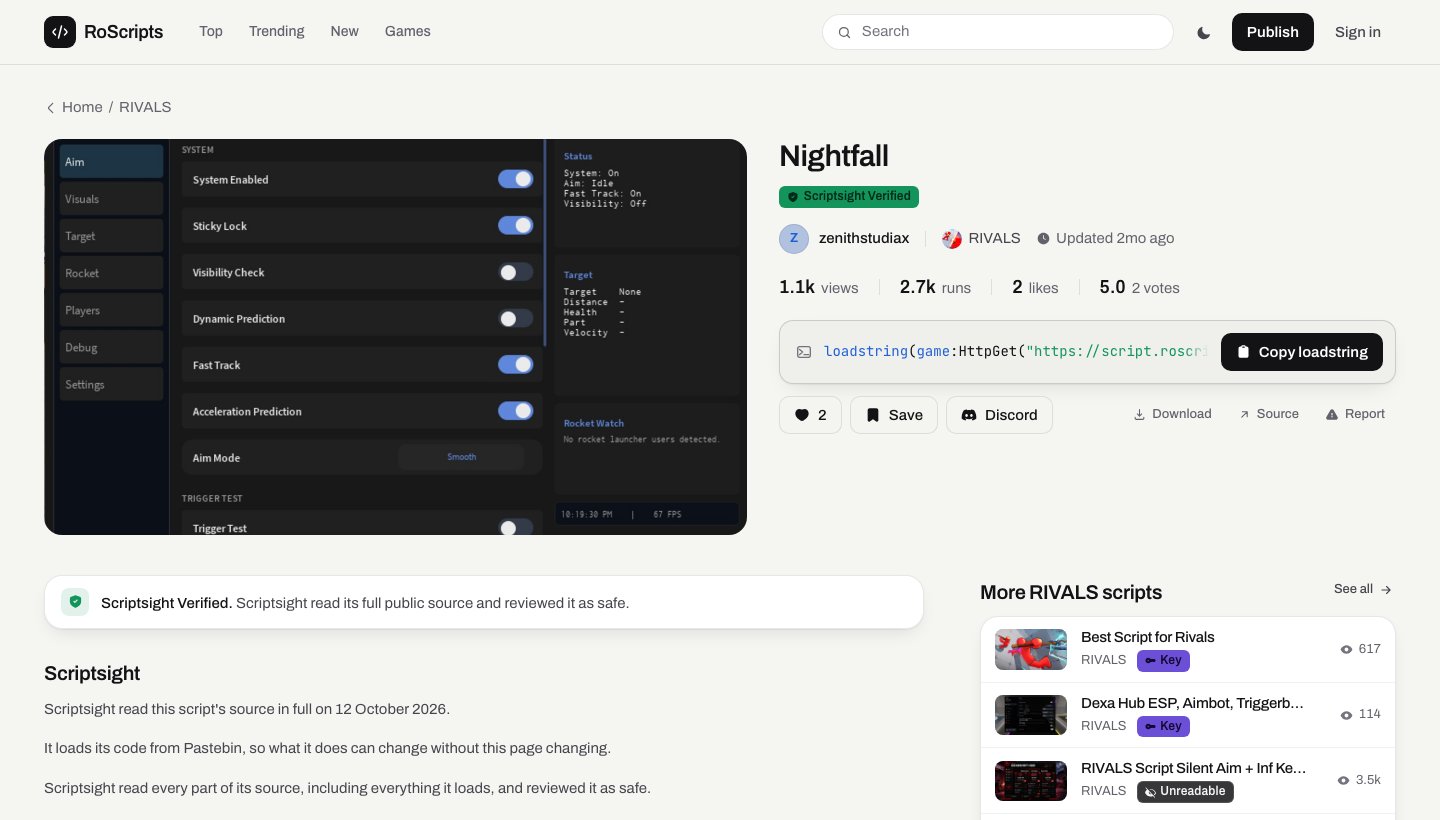
Scriptsight review
Scriptsight follows every file your script loads, recovers obfuscated code where it can, and reads the code. What it finds shows on your listing:- Scriptsight Verified when it read all of the code, including everything it loads, and found nothing that works against the person running it. This needs readable source: code compiled with an obfuscator such as Luraph can’t be read, so it can’t be verified.
- A warning when it finds something that acts against the user without their knowledge, such as sending their account details somewhere or moving their items.
Update your script
Open your listing and click Edit listing. Upload the new source and add a short changelog. The version history on your listing keeps every earlier version. A script that loads its code from GitHub or Pastebin updates when you push. Scriptsight re-checks the files it loads on a schedule and records when the code changed.Get more people to it
- Verified creator badge. Apply from your RoScripts account once you meet the requirements shown there. Staff review each application.
- RoScripts Pro. Your listings rank higher in Top, Trending, and search, and a Pro mark shows next to your username.
Open RoScripts
Sign in and publish your first script.
RoScripts API
Read the catalogue from your own site or bot.