> ## Documentation Index
> Fetch the complete documentation index at: https://docs.sirius.menu/llms.txt
> Use this file to discover all available pages before exploring further.
# Button
> Run a function when the player clicks.
A button runs its callback when clicked. That is all it does.
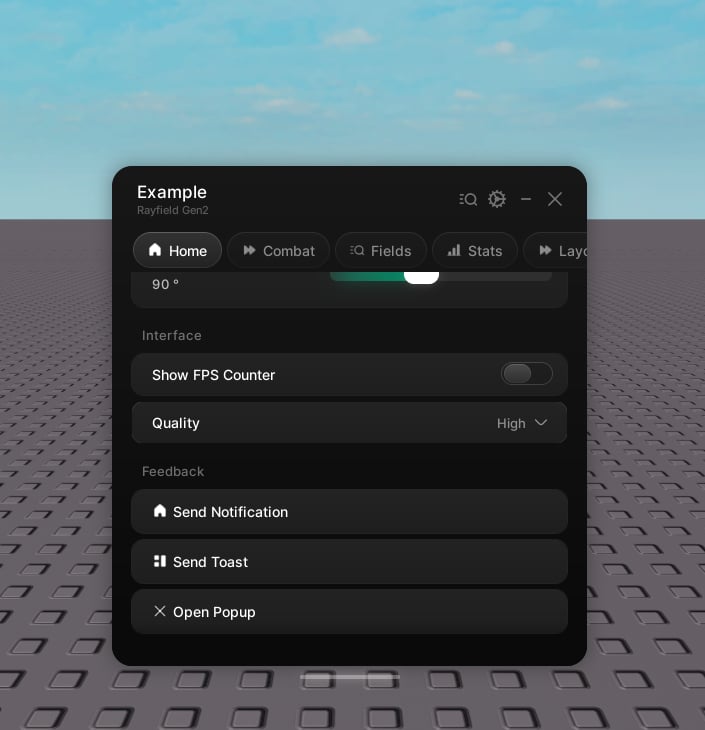 ```lua theme={null}
tab:CreateButton({
name = "Reset character",
callback = function()
game.Players.LocalPlayer.Character:BreakJoints()
end,
})
```
## Properties
The label.
Hint text under the label. Optional.
An icon shown beside the label. Optional.
Runs on click.
```lua theme={null}
tab:CreateButton({
name = "Reset character",
callback = function()
game.Players.LocalPlayer.Character:BreakJoints()
end,
})
```
## Properties
The label.
Hint text under the label. Optional.
An icon shown beside the label. Optional.
Runs on click.